Overview
Remember Looking at Album Covers? is a tvOS app that does one thing: takes whatever is playing on your Sonos system and displays the album art full-screen on your television.
No controls. No queue. No social features. Just the art, big, the way it was meant to be seen.
Currently in TestFlight internal distribution.
Why
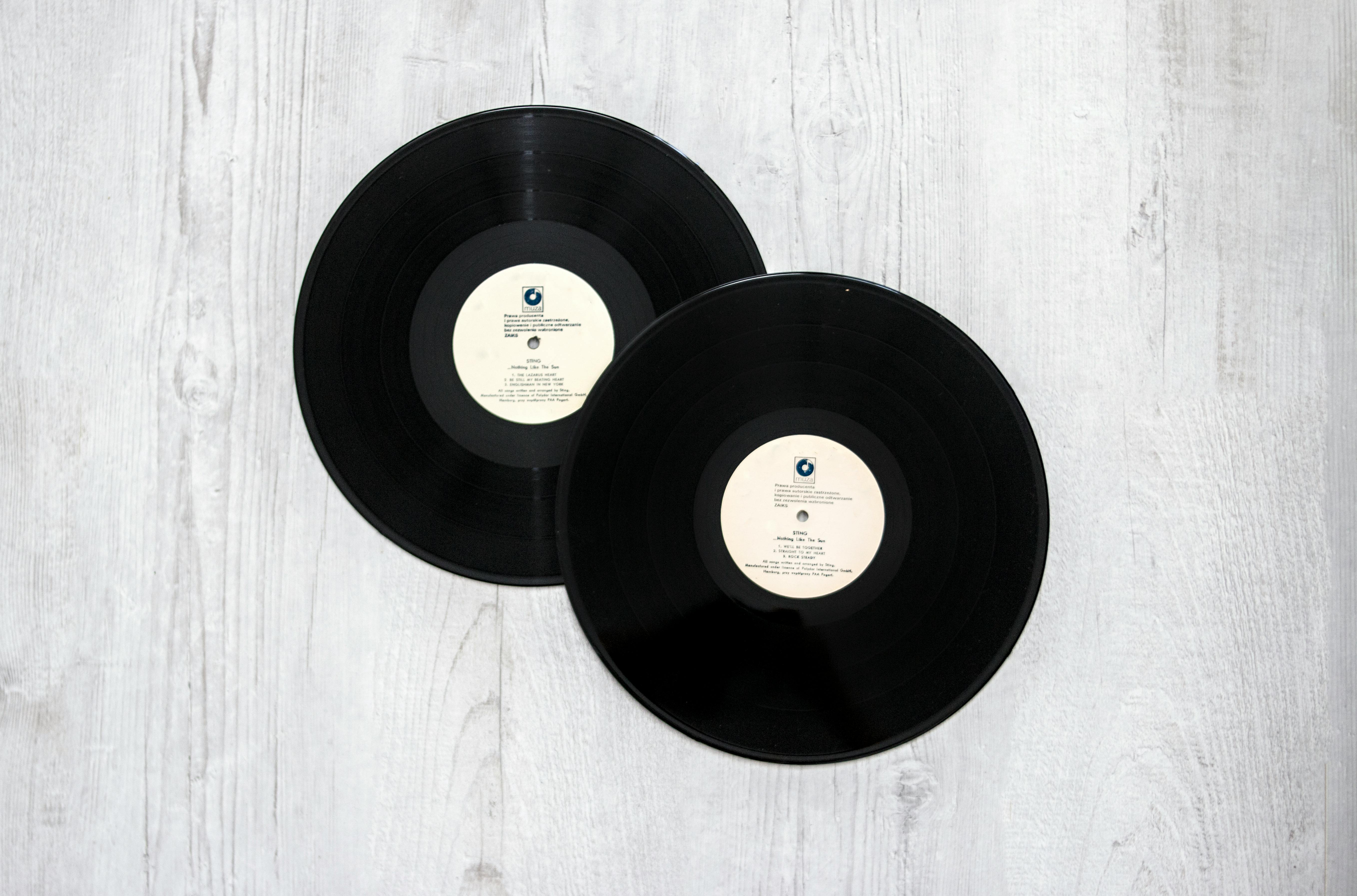
Streaming killed the album cover. Music went from a 12-inch square object you held in your hands to a 200x200 pixel thumbnail you scroll past. The artwork still exists — it’s just buried.
A 65-inch television is basically a giant lightbox. It should be showing you something worth looking at.
How It Works
The app polls your Sonos system for the currently playing track, pulls the highest-resolution artwork available — first from iTunes, then MusicBrainz as fallback — and displays it full-screen with a margin-driven layout that works across all Apple TV screen sizes.
Track changes trigger a smooth crossfade. The app stays out of the way.
Technical Details
- Platform: tvOS, targeting Apple TV 4K
- Language: Swift, SwiftUI
- Artwork pipeline: iTunes Search API (song entity, limit 50) → MusicBrainz fallback
- Layout: Margin-driven, true full-bleed at 1920×1080
- Distribution: TestFlight internal
Status
In active development. Known open issues:
- Stale artwork on rapid track changes
- Slash-separated artist credits (e.g. “Artist A / Artist B”) breaking iTunes search queries
Next planned build: iPadOS version sharing the same networking and artwork stack.
Why tvOS
The Apple TV sits connected to the biggest screen in the house, runs continuously, and nobody is using it to do anything useful while music plays. It’s the perfect display surface.
An iPad version is the natural next step — same codebase, new target.